
Most testing strategies are built around a single question: does it work? It’s the right question to start with. But it’s not the only question your users are asking.
When someone opens your app, they’re making a judgment that happens faster than conscious thought. Does it do what I need? Does it respond the way I expect? Does it look like something I trust?
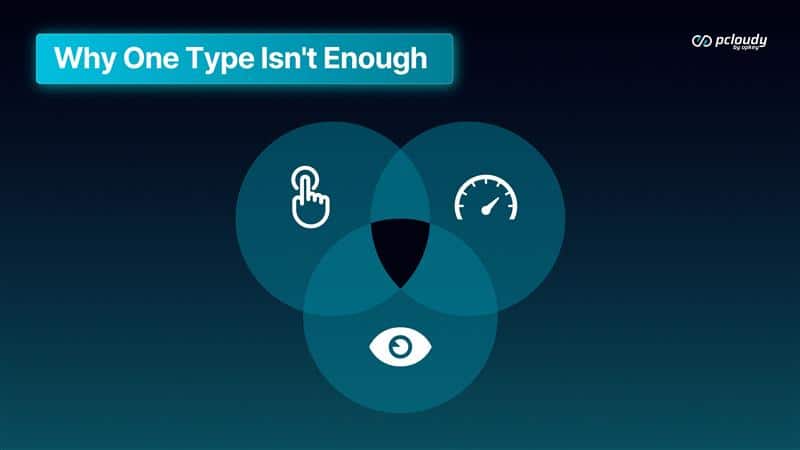
Functional. Performance. Visual.
TL;DR
Three dimensions. One user experience. And most teams are only answering one of them thoroughly on devices that don’t reflect the hardware their users actually hold.
That’s the gap. Here’s how it closes.
Functional: The Baseline That Isn’t as Simple as It Sounds
Functional testing answers the foundational question: does the app do what it’s supposed to do?
- Login works. Checkout completes. Data saves correctly. The core flows execute as designed.
- It sounds straightforward. In practice, it’s the most device-dependent layer of testing.
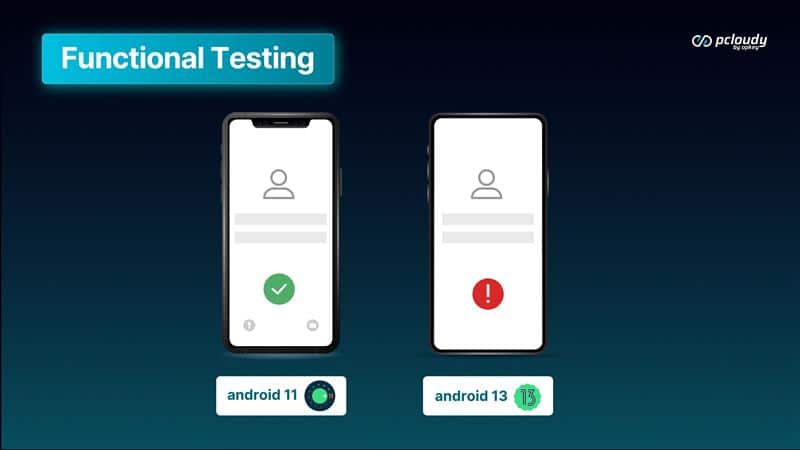
The same login flow that works on a Pixel 8 can fail silently on a mid-range Samsung running a carrier-modified OS. A checkout that completes on iOS 17 can hang on iOS 15 — which 23% of active iPhones still run. OEM customizations, OS fragmentation, and real memory conditions create thousands of permutations that emulators can’t replicate.
34% of device-specific bugs are invisible on emulators. They only surface on real hardware. And functional bugs are where that 34% lives.
Read more: Real Device Cloud vs Emulator for Mobile App Testing – What Should You Use?
Functional testing on real devices isn’t just broader coverage. It’s a fundamentally different signal — the difference between knowing your app works in a lab and knowing it works for the people who actually use it.
That’s the baseline. Everything else builds on it.
Performance: Speed Is a Feature, Not a Polish Item
Once you know the app works, the next question is whether it works fast enough for users to stay.
53% of users abandon an app that takes longer than 3 seconds to load. But the number that matters isn’t the average load time on your test devices — it’s the load time on the device your median user actually owns.
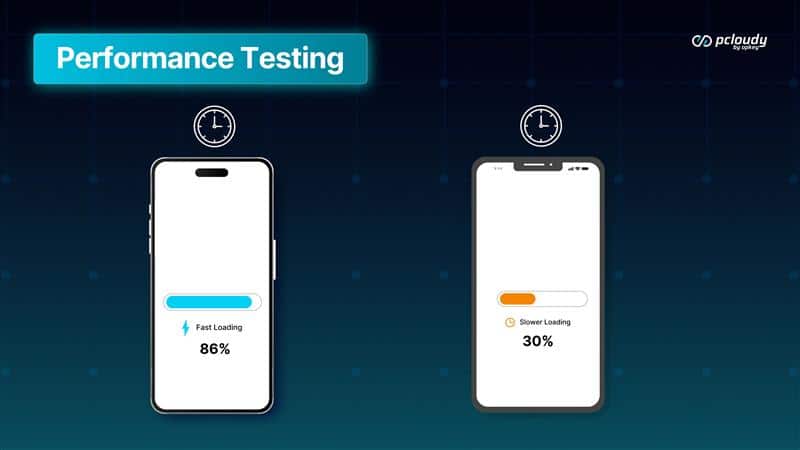
Performance isn’t uniform across hardware.
An app that loads in 1.2 seconds on a flagship device load in 4.8 seconds on a mid-range device running under memory pressure from background apps — which is most of the time, for most users. A checkout flow that runs cleanly in lab conditions times out when thermal throttling kicks in on older hardware. A video that streams on WiFi buffers on the 4G connection your commuter users rely on.
Lab conditions don’t replicate this. Emulators don’t either.
Read more: The Gap Between Testing and Reality: Why Bugs Keep Reaching Production
Real performance data requires real devices – mid-range hardware, real memory states, real network conditions, real thermal behavior under load. Only then does your performance signal reflect what users actually experience, not what your test environment was designed to show.
The question isn’t “does it perform?” It’s “does it perform for the user who paid for it?” Those are different questions. And only one of them matters.
Visual: The Trust Layer
The third dimension is the quietest and often the most underestimated.
A visual bug won’t crash your app. It’ll do something subtler. A button slightly misaligned. A font that doesn’t render correctly on a specific display. A layout that breaks on a screen size your design team didn’t account for. Text that truncates at exactly the wrong moment.
None of these stop the app from functioning. All of them make the user ask: what else is broken that I can’t see?
Visual bugs are trust bugs. And trust is harder to rebuild than a crash fix.
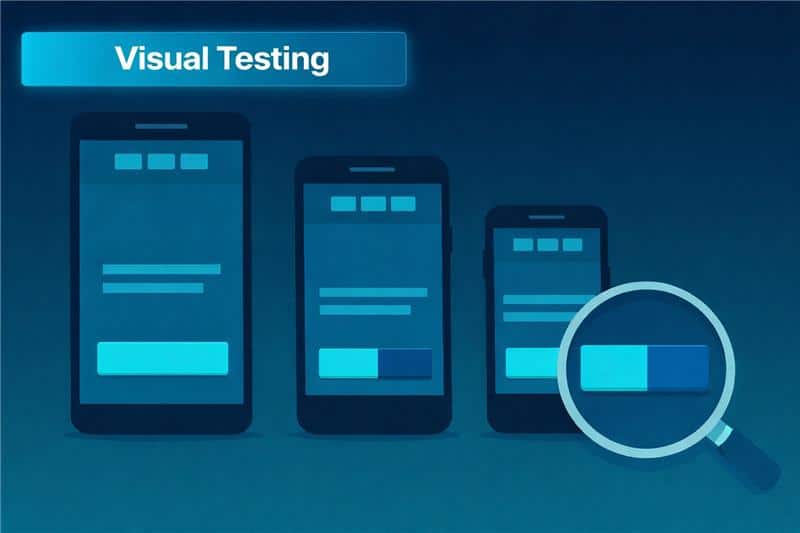
What makes visual testing distinct from functional and performance testing is its relationship to device variability. A crash is binary. A performance issue has a number. A visual bug is subjective — it looks wrong, and “wrong” varies by device.
A layout that renders perfectly on a 6.1-inch display at 460 PPI breaks on a 5.5-inch display at 320 PPI. A text color that meets accessibility standards on one screen fails contrast requirements on a display with different color calibration. An animation that looks smooth at 120Hz looks choppy at 60Hz.
Emulators render from a single assumed display profile. Real devices render the way your users actually see.
Visual testing is the final layer of confidence.
- Functional says it works.
- Performance says it’s fast.
- Visual says it looks right.
Only when all three are true does “tested” mean what your users mean by “works.”
Why All Three Together — On Real Devices
Each layer catches what the others miss.
A functional test won’t catch a layout that breaks on a specific screen size. A visual test won’t catch a checkout that hangs under memory pressure. A performance test won’t catch a login that fails silently on a carrier-modified OS.
The gaps between the three layers are exactly where production bugs hide.
And all three layers share the same dependency: real devices. Not because real devices are harder to test on. Because real devices are what your users have. The only way to know how your app behaves in the real world is to test it in conditions that reflect the real world.
Functional. Performance. Visual. On real devices. In your environment.
That’s the complete picture.
We have been talking about building the foundation: real devices, your environment, complete coverage. And in the next month we add intelligence to the mix. AI that decides what to test, failures that explain themselves, release readiness as a prediction. Stay tuned Next week: the intelligence layer begins.
Read More:
- Top 10 Mobile Testing Tools in the USA
- Top 10 Regression Testing Tools for Mobile Apps
- List of Real Devices for Testing
- Speed: The Foundation of Real Device Testing
- The False Choice Regulated Industries Face in Mobile Testing, and How to Escape It
- Why Bugs Fail on Devices: A Data-Driven Deep Dive into the 7 Silent Killers of Mobile App Quality