
Last updated on : 21 Jan 2025
Validating Payment Testing on Google Pay
Overview
Pcloudy provides secure real devices that enable safe testing of payment methods like Google Pay. Testers can simply connect to a remote device and validate end to end payment flows in real conditions, including app switching, authentication, and transaction behavior across Android devices. This helps identify device specific or OS related issues early and ensures a reliable payment experience before release.
Prerequisites
- User must be registered Pcloudy account.
- Ensure that you possess a valid paid license to establish connections with cloud devices.
Steps
- Login to the Pcloudy platform
- On the Left Panel Select Real Devices under the Functional Experience Drop Down.
- Simply select any device of your choice and click on Start Testing.
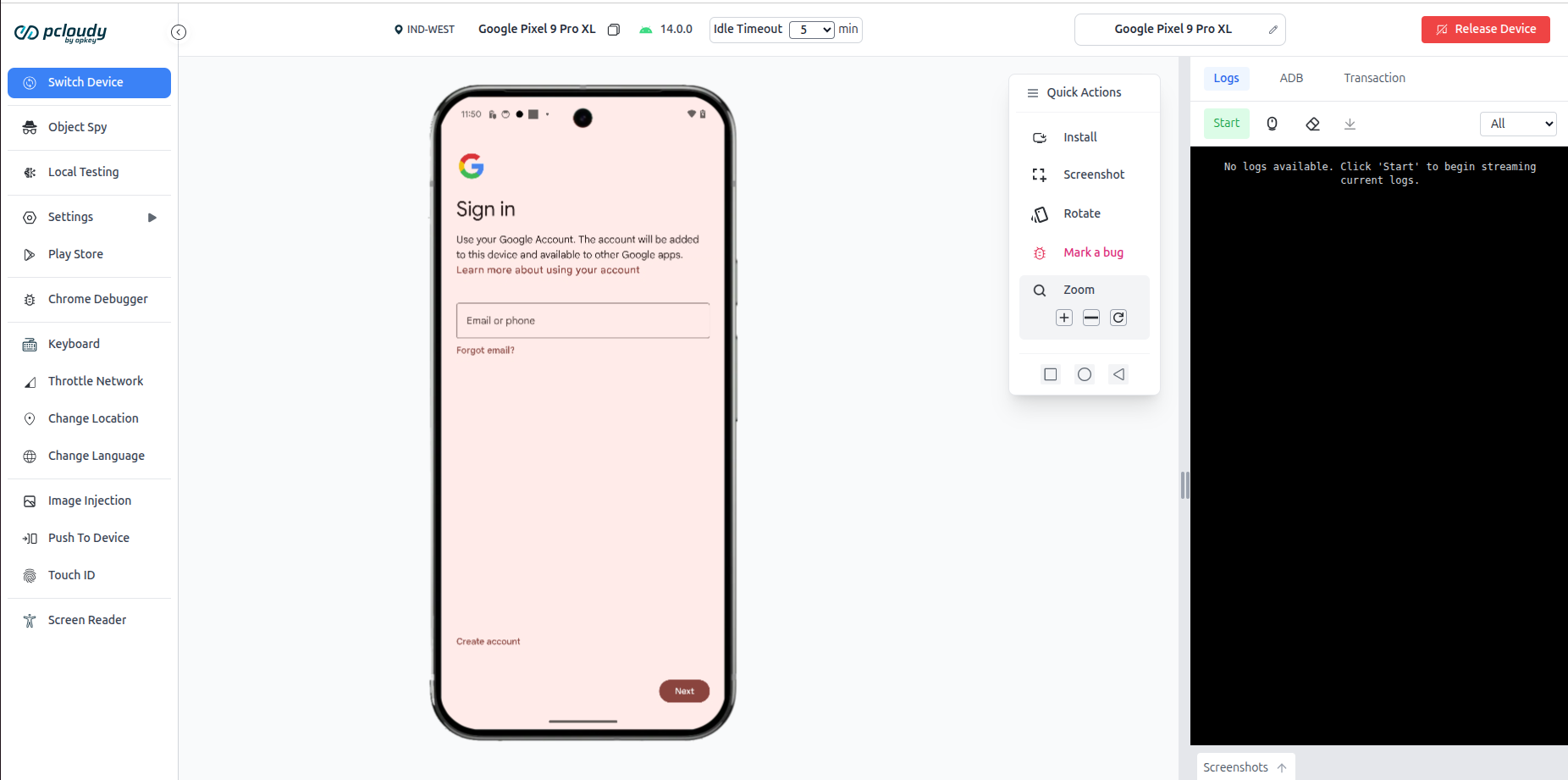
- Login to a Google Account once the device is connected.
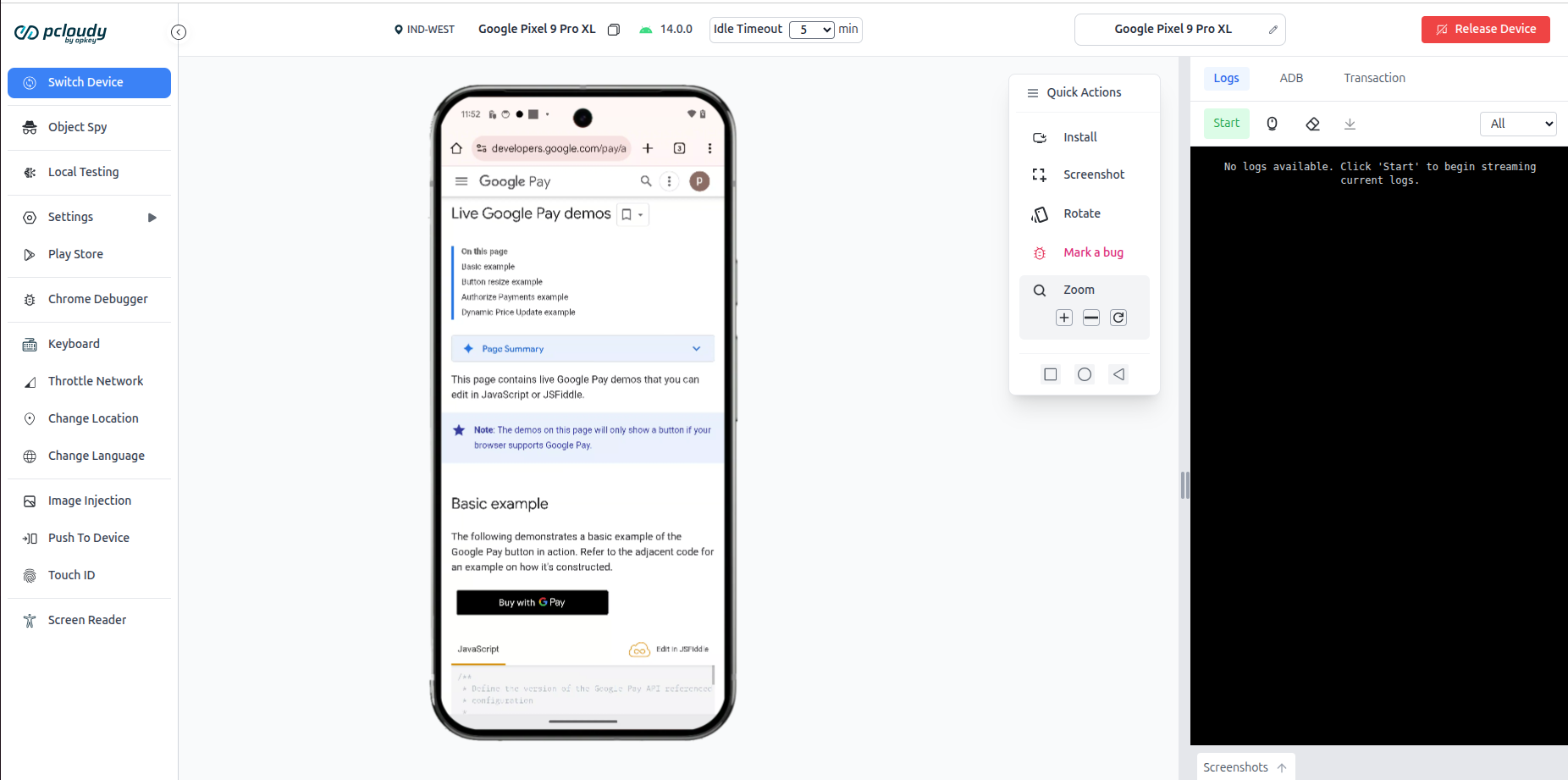
- Click on the Buy with GPay button on the Demo Website.
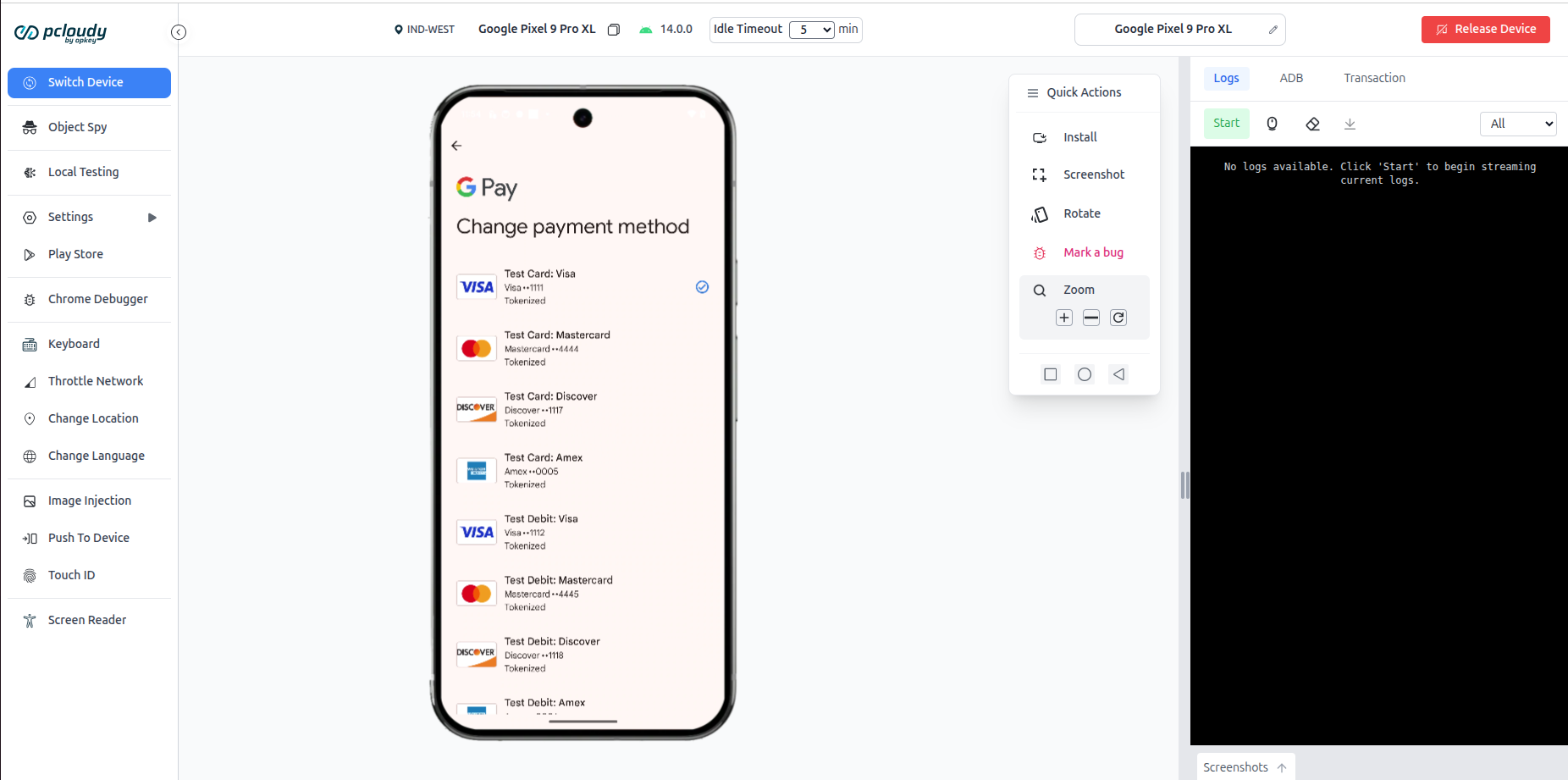
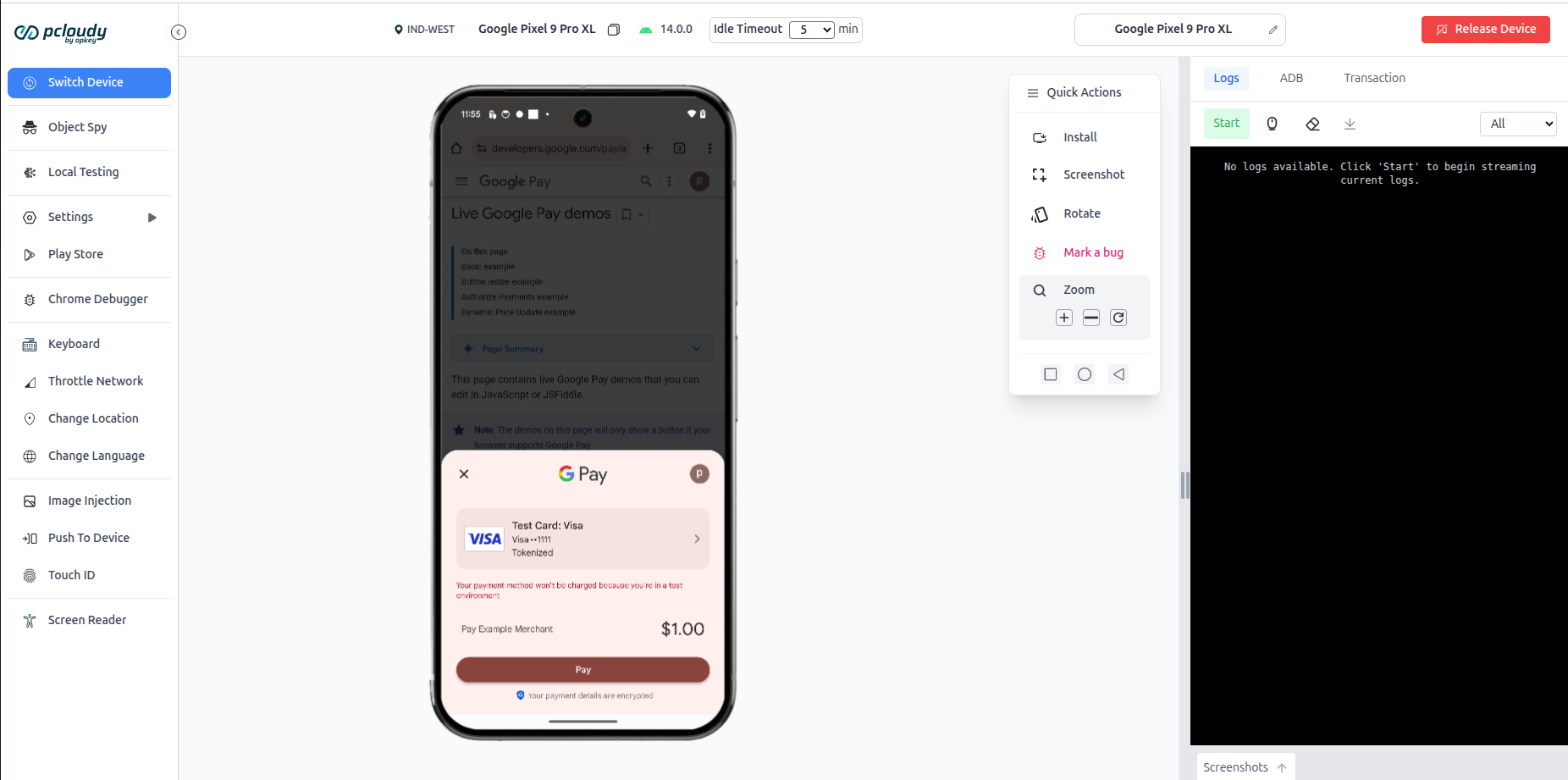
- Choose the Payment method and validate the payment testing function.
Did this page help you?