
Qpilot Retry Steps: Run Selected Steps in a Test | Pcloudy Docs
Overview
QPilot now allows testers to execute a test from any selected step, run up to a specific step, or execute a chosen range of steps without replaying the entire test case. This gives testers greater flexibility, speeds up debugging, and makes it easier to validate specific actions without wasting time rerunning previously completed steps.
Steps
-
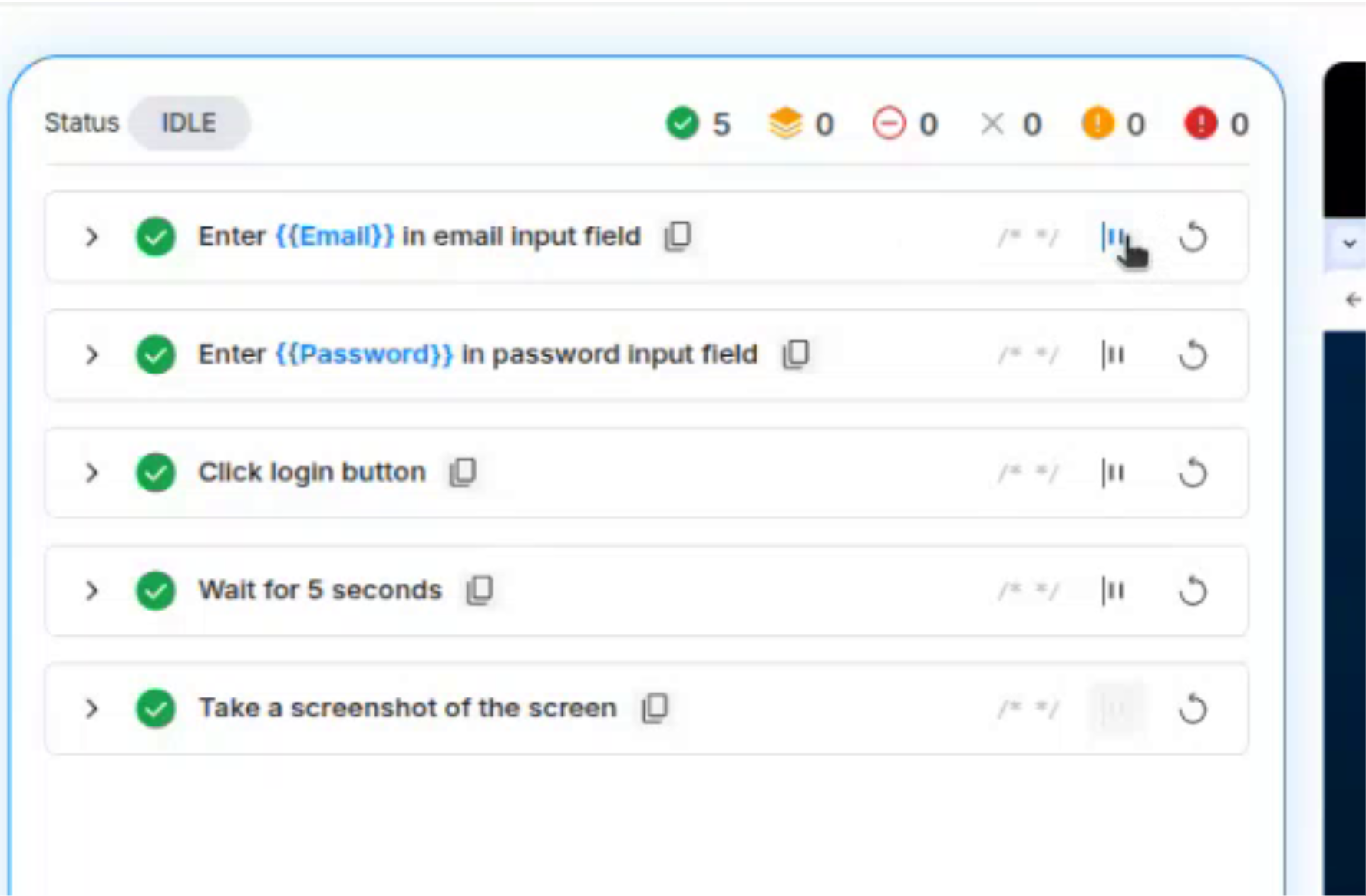
Hover a step and click "Run from this step icon" to set the start.
-
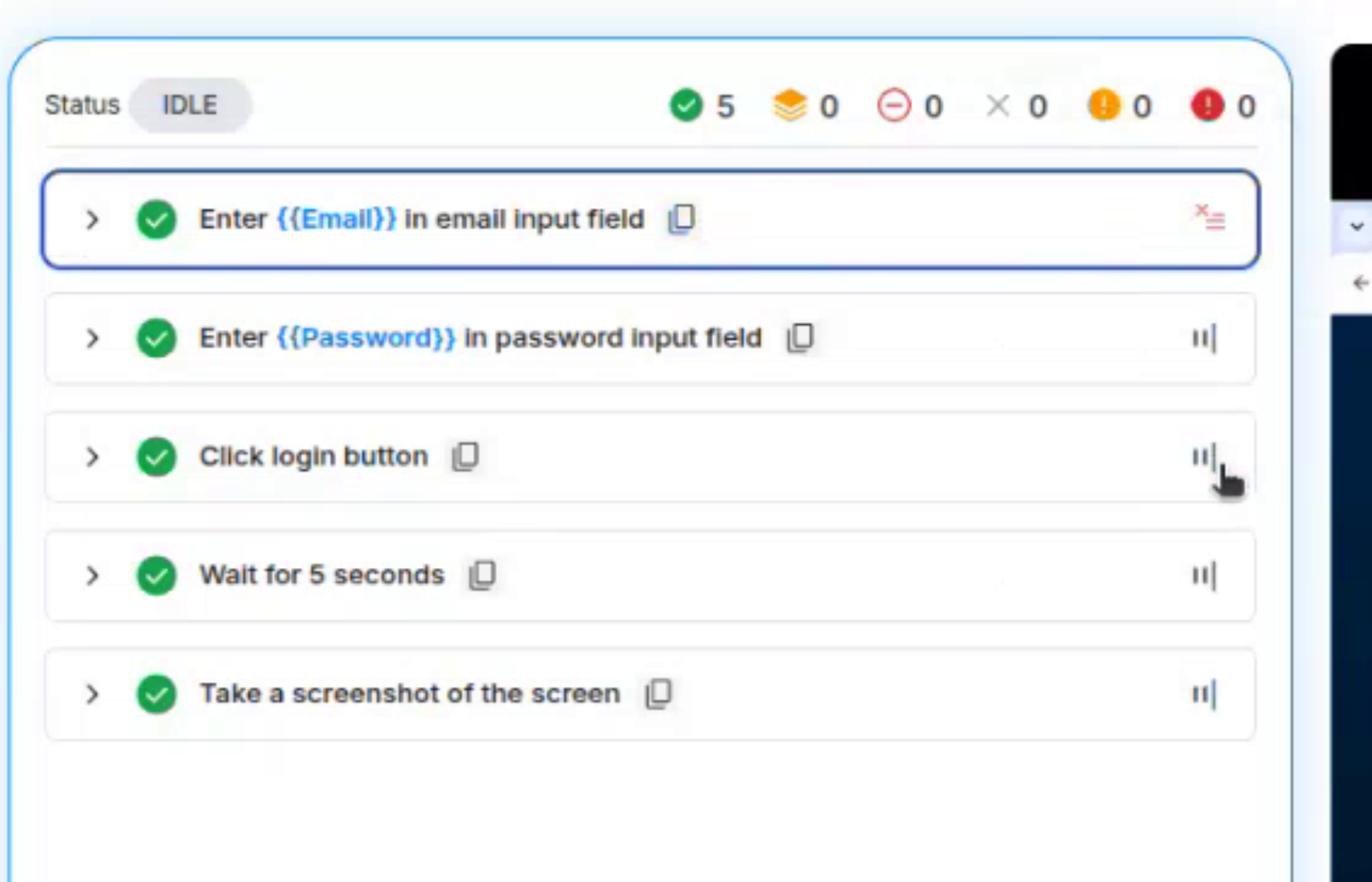
Optionally click "Run till here" on a later step to set the end. The selected range is outlined and the steps outside it are greyed out.
-
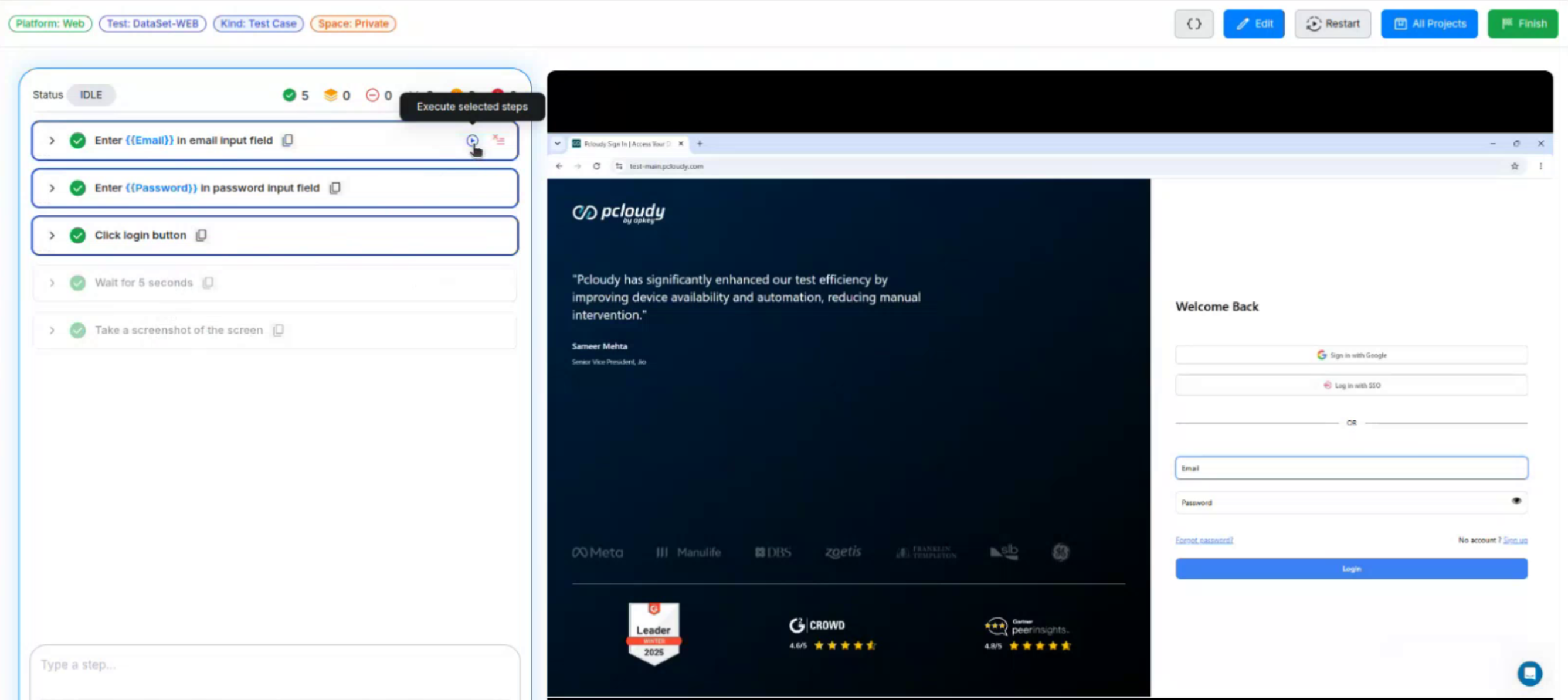
Click "Execute selected steps" (play icon) to run only that range.
-
Click "Clear range" to remove the selection and return to the full test.
Did this page help you?