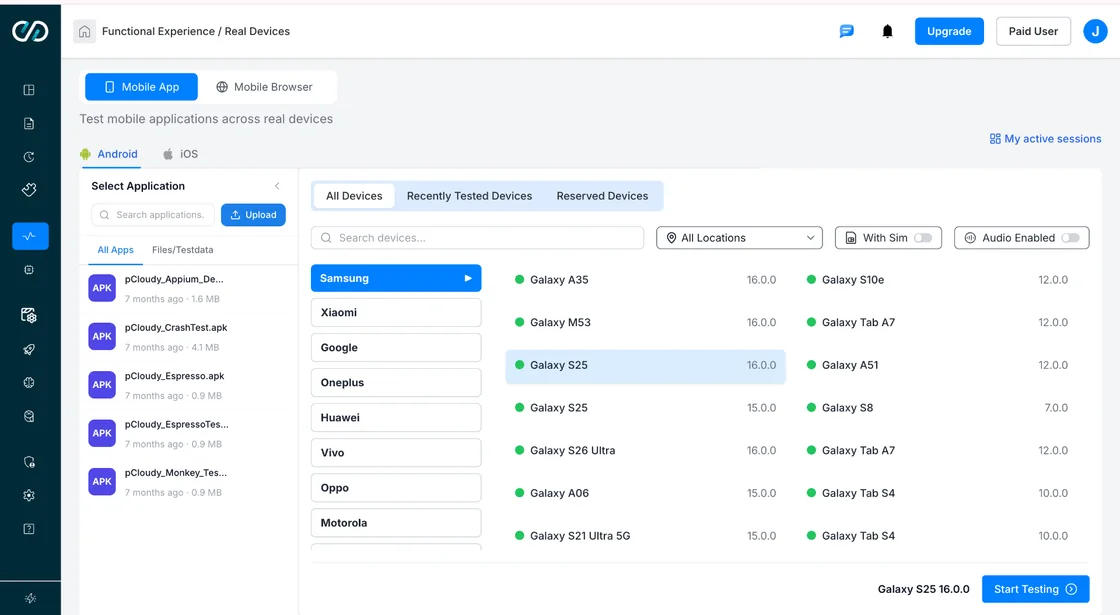

Did you know that this year, the Android emulator for PC market has been valued between $120 million – $1.2 billion roughly? Making the right choice when it comes to Android emulators for PC heavily relies on what you prioritize between a complete Android experience on Windows, reliable QA testing, or accelerated app development.
A comparison between the best Android emulators for PC 2026, throwing light on some of their key features, performance, as well as important use cases for power users, testers, and developers.
TL;DR
How We Evaluated These Emulators
The best Android emulators for PC ought to go beyond simply running Android apps by offering support for seamless automation, reliable testing, and efficient development. We evaluated these emulators by doing a deep dive into the most critical criteria that matter to QA teams and developers, with a fairly strong emphasis on as many real-world testing workflows as possible.
- Performance, Accuracy, and Developer Experience
We drew an in-depth comparison of every single emulator’s accuracy against the behavior of real devices and factors like responsiveness, stability, memory usage, and CPU on standard developer hardware. Some other factors include ease of installation and use, pricing, documentation, and overall value, which determine the best Android emulators for PC suitable for QA and development in 2026
- Automation Capabilities and QA
The ideal Android emulator for PC testing calls for extensive evaluation of how well every emulator integrates with different CI/CD pipelines and offers support for automation frameworks like UI, Automator, Espresso, Selenium, and Appium. Other vital factors include suitability for continuous testing environments, snapshot capabilities, ADB support, and debugging features.
- Platform Compatibility and Android Version
It’s crucial to assess support for various Android versions, device profiles, and Google Play services to ensure wide testing coverage. It’s also important for the emulator to be compatible with modern hardware, ARM supported via virtualization, native builds, or alternative deployment options.
Also Check Out: Best 10 Android Emulators for Chromebook [2026]
Quick Comparison Table
| Emulator / Platform | Best For | Windows | Android Version | CI/CD | Free | Appium |
|---|---|---|---|---|---|---|
| Android Studio AVD | Development | Yes | Android 15 | ✔ Basic | Yes | ✔ |
| Genymotion | Professional QA | Yes | Android 14 | ✔ | ⚠ Limited | ✔ |
| BlueStacks | App testing | Yes | Android 13 | No | Yes | No |
| LDPlayer | Gaming | Yes | Android 9 | No | Yes | No |
| MuMu Player | Gaming | Yes | Android 12 | No | Yes | No |
| NoxPlayer | Multi-instance | Yes | Android 9 | No | Yes | No |
| MEmu Play | General | Yes | Android 11 | No | Yes | No |
| Waydroid | Linux/WSL2 | ⚠ WSL2 | Android 13 | No | Yes | No |
| Pcloudy Real Device | QA + Compliance | Browser | Android 16 | ✔ Full | Free Trial | ✔ |
Note: Every row above except Pcloudy is a software-based emulator or simulator running on your own machine. Pcloudy is a real device cloud — tests run on actual physical Android hardware accessed via browser, which is why compliance-sensitive and CI/CD-heavy teams treat it as a different category rather than a like-for-like alternative.
Test on real devices. Ship with confidence.
Top 9 Android Emulators for PC – Full Review
Selecting the best Android emulators for PC highly depends on each organization’s unique workflow. While some emulators specifically support app development, others prioritize enterprise-grade testing or gaming performance. On that note, let’s take a detailed look at some of the best Android emulators for PC in 2026.
1. Android Studio AVD
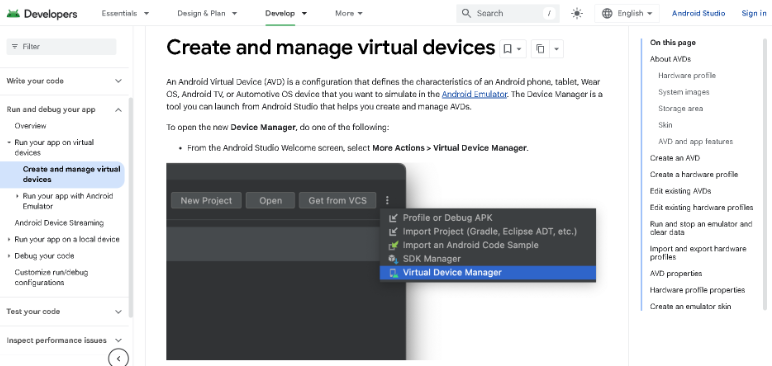
Android Studio AVD is the official emulator of Google and one of the most preferred choices for Android app development. It focuses on delivering highly accurate Android system emulation and seamlessly integrates with Android Studio, which makes it ideal for automated testing, coding, and debugging.
Key Features:
- Seamless Android Studio integration
- Officially backed by Google
- Offer support for multiple device profiles and Android versions
- Compatible with CI/CD pipelines, Espresso, and Appium
- Advanced debugging and snapshot support
2. Genymotion
Genymotion for Windows is designed keeping enterprise testing and professional QA teams in mind. Available as both a cloud and a desktop solution, it makes virtual device management simpler while offering support for large-scale automated testing.
Key Features:
- Enterprise-ready device management
- Cloud and desktop deployment
- Selenium and Appium support
- GPS, Network, and sensor simulation
- Smooth CI/CD integration
3. BlueStacks
BlueStacks is one of the most widely used Android emulators for PC that offers a balance of compatibility, performance, and ease of use. While it’s great for manual app testing as well as general Android usage, BlueStacks might not be the best choice for enterprise automation.
Key Features:
- One of the best options for manual testing
- Support for Android 13 beta
- Smooth performance and fast installation
- Great compatibility with Android applications
- Multi-instance support
4. LDPlayer

LD player for PC has been optimized for low resource consumption and high speed, which makes it a favorite among gamers. It is capable of effectively running Android applications. However, LD Player’s current QA automation capabilities come with a lot of limitations.
Key Features:
- Highly optimized gaming performance
- Keyboard mapping
- Support
- Lower input latency
- Responsive and lightweight
5. MuMu Player
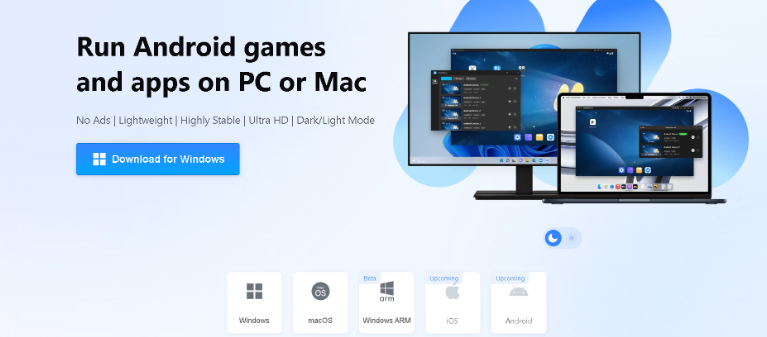
MuMu Player’s core focus is on high-performance Android gaming with plenty of support for frame interpolation and high refresh rates. It’s appropriate for regular Android use but severely lacks features needed for professional-level testing.
Key Features:
- Simple APK installation
- Stable performance
- Accelerated graphics rendering
- Frame interpolation
- High-level FPS support
Test on real devices. Ship with confidence.
6. NoxPlayer
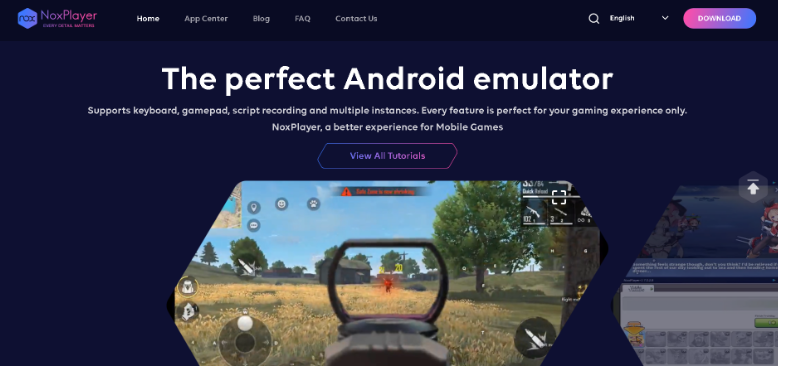
Nox Player provides flexible scripting, multi-instance management, and customization for advanced users. Nevertheless, some of the past security concerns make this a less commonly used Android emulator for PC testing choice for high-level Enterprise QA environments.
Key Features:
- Keyboard mapping
- Custom device settings
- Scripting and macro support
- Multi-instance manager
- Root access
Also Check Out: Local Site Testing on Remote Devices
7. MEmu Play
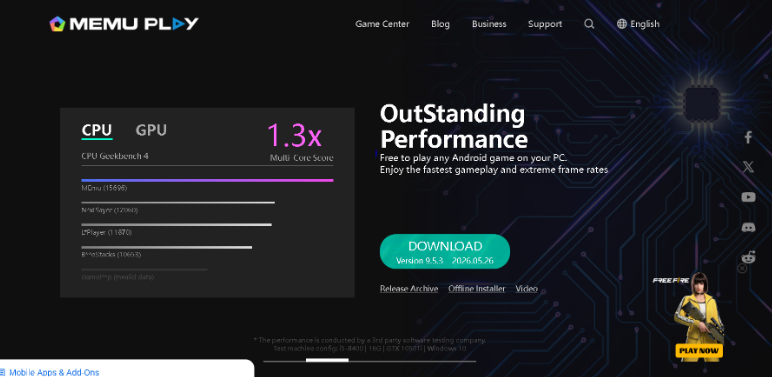
Memu Play is one of the most reliable Windows emulator options that provides support for multiple Android versions and offers great performance for manual testing. It’s suitable for individual users instead of teams that need scalable automations, though.
Key Features:
- Great manual testing experience support
- AMD and Intel optimization
- A variety of Android versions are supported
8. Waydroid
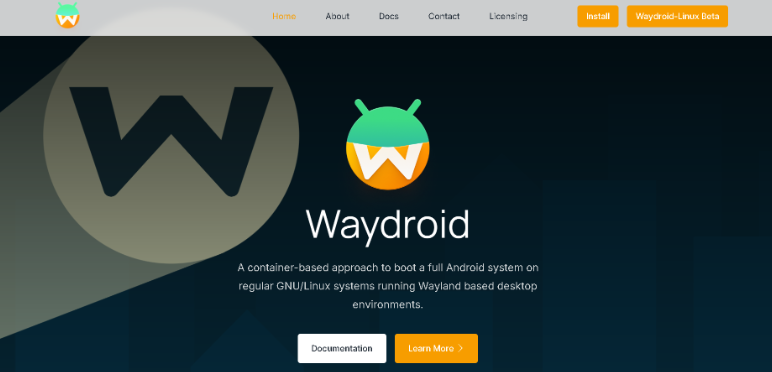
Waydroid uses Linux containers to run Android inside of them, which delivers a new native performance, especially for Linux users. However, while it works great on Windows through WSL2, Waydroid setup can turn out to be considerably complex in comparison with traditional emulators.
Key Features:
- Google apps support
- Linux’s first design
- Architecture based on containers
- Near native performance for Android
- Open-source project with community support
9. Microsoft Windows Subsystem for Android (WSA)
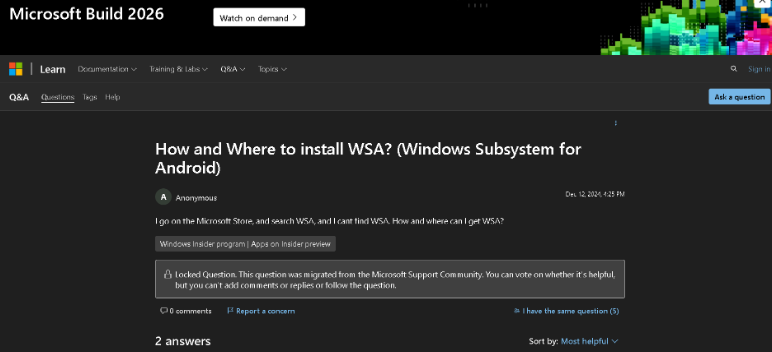
WSA facilitated the running of Android apps natively on Windows 11, without having to use a traditional emulator. However, since Microsoft discontinued this platform in March 2025, its importance has been somewhat limited to historical references.
Key Features:
- Extensive Android application support on Windows
- One of the lowest system overheads among other platforms
- Native and seamless Windows integration
Pcloudy (Real Device Cloud, Not an Emulator)
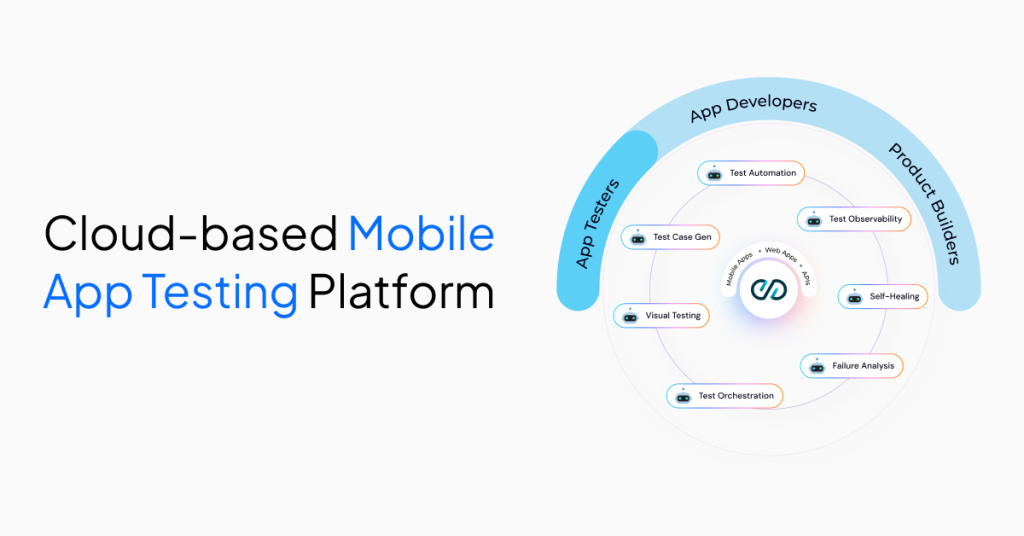
While Android emulators for PC are crucial for early testing and development, they are not the best when it comes to replicating real-world device behavior. That’s where Pcloudy’s real device cloud comes into the picture as it complements emulator workflows by offering instant access to thousands of real iOS and Android devices, precisely 5,000+. This enables QA to perform application validation on actual hardware pre-release.
With extensive support for parallel execution, CI/ CD pipelines, Selenium, Espresso, Appium, and sophisticated AI agents, Pcloudy offers a much more reliable environment, especially for production-ready QA.
Key Features:
- Detailed test reports and performance analytics
- Parallel execution
- AI-powered Qpilot.AI agents
- Real sensor and OEM hardware testing
- Not having to worry about local PC resource requirements
- More than 5000 real iOS and Android devices
Also Check Out: Android Emulators: Features, Benefits, Limitations [2026]
Comparison Table With QA Testing Focus
| Tool | Android Version Support | CI/CD Integration | Appium Support | Windows ARM Support | Free | Real Device Testing |
|---|---|---|---|---|---|---|
| Android Studio AVD | Android 5.0–Latest | Yes | Yes | ⚠ Limited | Yes | No |
| Genymotion Desktop | Android 4.4–Latest | Yes | Yes | No | No | No |
| Genymotion Cloud | Android 5.0–Latest | Yes | Yes | Yes (Browser-based) | No | No |
| BlueStacks | Android 11 & 13 Beta | No | ⚠ Limited | No | Yes | No |
| LDPlayer | Android 7.1 & 9 | No | No | No | Yes | No |
| MuMu Player | Android 12 | No | No | No | Yes | No |
| NoxPlayer | Android 9 | No | ⚠ Limited | No | Yes | No |
| MEmu Play | Android 7.1, 9 | No | ⚠ Limited | No | Yes | No |
| Waydroid | Android 11+ | ⚠ Linux-focused | ⚠ Manual Setup | ⚠ Via WSL2 | Yes | No |
| Microsoft WSA(Discontinued) | Android 13 | No | No | Yes | Yes | No |
| Pcloudy Real Device | 5,000+ Real Android Devices | Yes | Yes | Yes (Browser-based) | Free Trial | Yes |
Note: All other tools in this table are emulators or virtualized Android environments running on your own hardware. Pcloudy is a real device cloud with 5,000+ physical Android devices accessed via browser — the only option here that eliminates emulator-vs-real-device behavior gaps entirely.
Which Android Emulator for PC Should You Choose?
The best Android emulator for PC app testing in 2026 is highly dependent on where you are in your software development life cycle. Let’s check out some top parameters on the basis of which you can choose your Android emulator for PC.
- For Validation Before Release
Before you ship your app, it’s important to validate it on a real device cloud, as they help in uncovering performance issues, hardware problems, and OEM-specific bugs that virtual devices aren’t able to reproduce. Pcloudy can come in handy for pre-release validation as it comes with all these features, along with powerful AI agents.
- For Professional Level QA Testing
Gennymotion is a top choice for QA teams that require CI/CD integration, virtual devices, and IPM support, along with top-notch automation for continuous testing.
- For Early Application Development
If you are in the process of building as well as debugging Android applications, go for Android Studio AVD since it provides the most precise and accurate Android framework emulation that directly integrates with Android Studio.
When PC Emulators Aren’t Enough
Even if you use the best Android emulators for PC, they’re going to have limitations as they can only simulate Android environments instead of running on real hardware. As the testing process shifts closer to the production stage, it becomes crucial to validate on real devices for result accuracy in Android emulators for PC testing workflows.
- Compliance and Security Testing
In regulated industries such as fintech and BFSI, applications have to meet strict audit and compliance requirements. More often than not, this calls for testing on real physical devices instead of depending completely on even the best Android emulators for PC.
- Hardware and Biometric Features
Android emulators are unable to fully replicate real device hardware such as SIM-based authentication, GPS, Bluetooth, NFC, cameras, face unlock, and fingerprint sensors. Such limitations can have a profound impact on Android emulators for PC testing accuracy when it comes to real-world user workflows.
- OEM-Specific Problems
Various manufacturers such as Motorola, OnePlus, Xiaomi, and Samsung come up with custom optimizations and operating system layers. Such OEM-specific behaviors mostly don’t appear in the Android emulator for PC environments, which leads to missed performance and UI issues.
Why Android Emulators for PC Aren’t Enough for BFSI
For banking, financial services, and insurance apps, Android emulators for PC testing can be slightly useful during the development phase. However, they tend to fall short during production-grade validation as well as compliance-heavy workflows.
- Limited Compliance and Security Coverage
Emulators aren’t able to completely replicate device-level security layers like secure enclave behavior and biometric authentication. BFSI applications that depend on encrypted transactions, face authentication, or fingerprint login require real device validation to adhere to regulatory standards.
- Inaccurate Network and Hardware Simulation
Financial applications often show differences in behavior under real-world conditions such as SIM-based authentication, unstable networks, device-specific hardware variations, and SMS OTP delays. Emulators only offer simulated environments, which can miss out on critical edge case failures.
- Device Fragmentation in OEM Risks
BFSI apps have to consistently function across a broad area of devices. Since emulator environments are relatively standardized and don’t accurately reflect OEM customizations, they can lead to potential production problems if organizations skip real device testing.
- Why Most BFSI teams eventually move beyond emulators
Most BFSI teams have to eventually move beyond emulators due to zero tolerance for any kind of production failures and stringent compliance requirements. Usually, they combine emulators and real device clouds for early development and final validation, respectively, to ensure accelerator development and release quality confidence.
Check out Pcloudy’s List of Real Devices for Testing
Conclusion
Android emulators for PC have to be combined with real device testing for teams that need higher confidence and accuracy before release. Try Pcloudy for free with its 30-day trial, get a taste of a highly reliable testing environment, and more than a real device cloud containing more than 5000 device and browser combinations.
FAQs
Which Android emulator is the best for Windows for QA Testing?
Genymotion is a great option out there for Windows QA testing because of its strong support for CI/CD integration, appium, and automation.
Which is the best Android emulator for PC for application testing in 2026?
Android Studio AVD is great for development testing, and Genymotion is appropriate for QA workflows, and are some of the top choices in 2026.
Is it possible to run Android emulators on Windows 11 ARM?
Yes, it’s possible, but support is limited. Most emulators run through emulation or cloud-based solutions instead of native ARM builds.
Which Android emulator for PC offers support for Appium and CI/CD?
Android Studio AVD and Genymotion both effectively support Appium and CI/CD pipelines.
What is the best alternative to Android emulators for professional QA testing on a PC?
Real device clouds such as PCloudy are some of the strongest alternatives that offer automation support, real-device accuracy, and scalable testing.
Related Reading:
- Best 7 Android Emulators for Mac
- Best 10 Android Emulators for Chromebook
- Best 10 iOS Emulators for PCs
- Best 10 Mac Emulators for PCs
- Android Emulators: Features, Benefits, Limitations
- Mobile App Testing: What It Is, How It Works, and Types
- How to Test Mobile Applications: Strategy, Process, and Best Practices
- Types of Mobile App Testing


![Best Bug Tracking Tools for QA Teams [2026]](https://pcloudyprod-engpgtajd7c4g9a8.a03.azurefd.net/wp-content/uploads/2026/08/bug-tracking-tools-thumbnail.jpg)

 Jeroline


