
Release Note 8.3
Overview
Pcloudy 8.3 focuses on making test creation smarter, browser testing more realistic, and platform readiness faster. With enhanced Qgen capabilities, teams can now generate test cases from multiple sources like requirements documents and Figma designs, bringing richer context into test design. The addition of AI refinement ensures teams can fine-tune generated steps instead of starting over, making test creation faster and more reliable.
Browser testing is now more practical with the introduction of Push Files, allowing teams to validate real-world file upload scenarios directly on Pcloudy browsers without workarounds. Alongside this, support for Android 17 ensures teams stay ahead with the latest OS compatibility, enabling faster validation and confident releases on new platforms.
Key Highlights
- Qgen now supports multi-source inputs (requirements docs, Figma designs) and AI refinement of generated steps
- Push Files support for validating file upload workflows directly in browser sessions
- Android 17 device coverage for latest OS compatibility testing
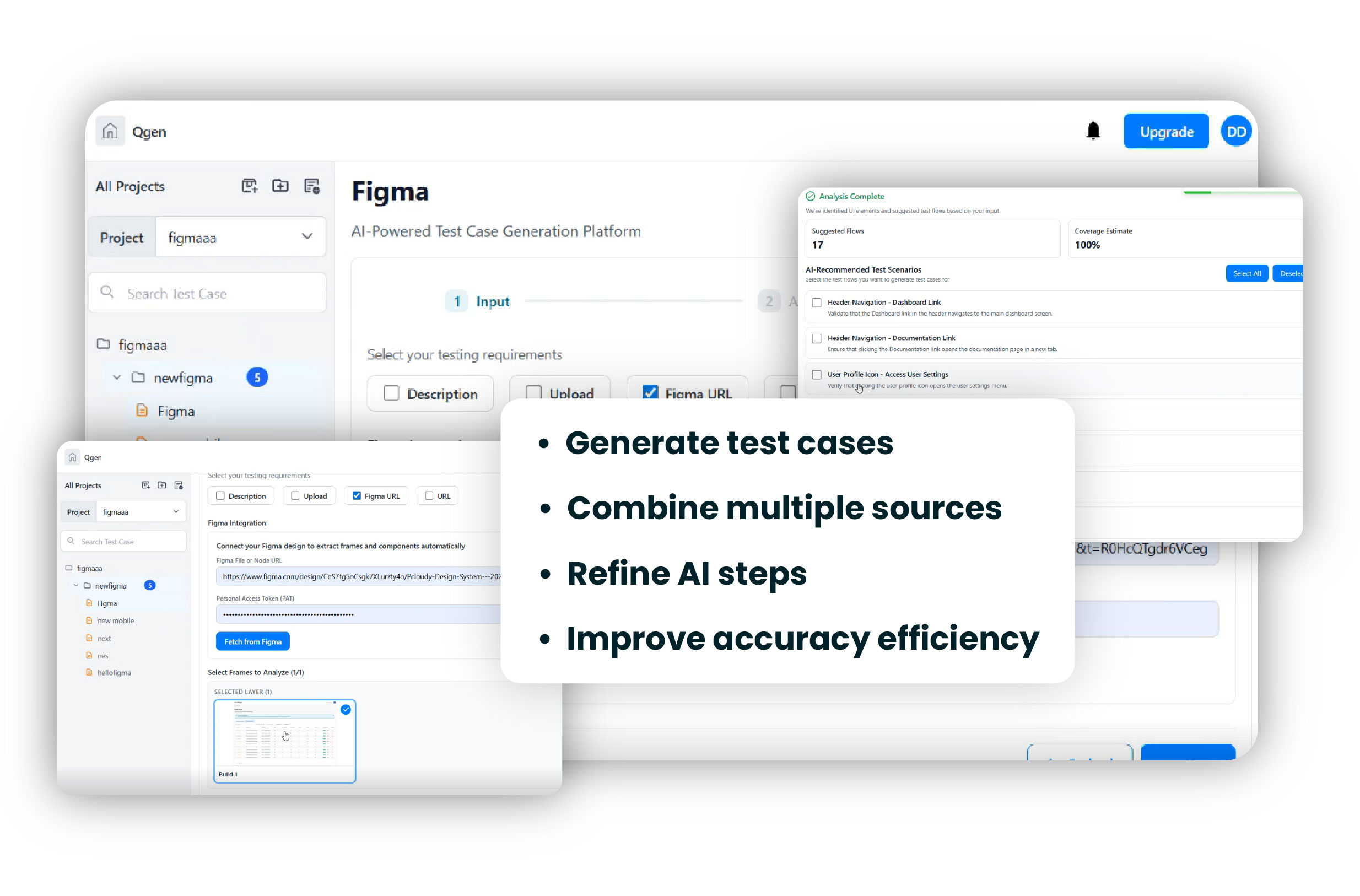
Update 1 — Enhanced Qgen with Multi-Source Inputs & AI Refinement
Qgen now supports generating test cases from requirements documents, Figma designs, and multiple input sources combined, enabling teams to create more comprehensive and context-rich test scenarios. This allows users to bring together different artifacts like feature descriptions, screenshots, documents, APIs, and live websites into a single test generation flow.
Additionally, the new AI refinement capability allows users to tweak and improve generated test steps where needed. Instead of rewriting test cases manually, teams can guide the AI to refine outputs, ensuring better accuracy and completeness. Qgen continues to help teams generate structured, high-quality test cases in minutes, significantly reducing manual effort and accelerating test design.
Key Highlights
- Generate test cases from requirements, designs, and multiple inputs
- Combine sources for more complete test coverage
- Refine and tweak AI-generated test steps easily
- Reduce manual effort and improve test accuracy
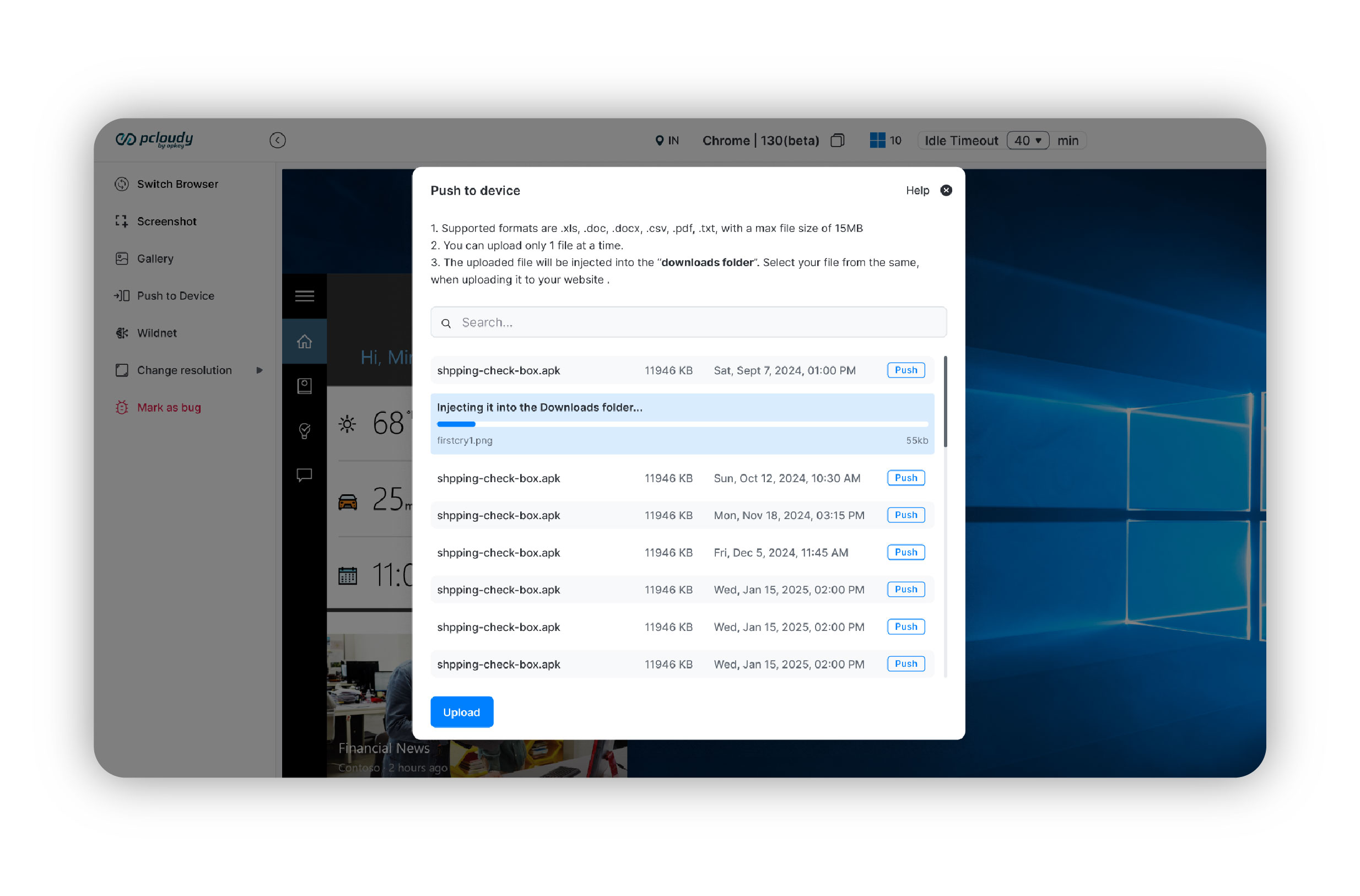
Update 2 — Push Files Support on Pcloudy Browsers
Pcloudy now enables validation of file upload workflows directly within browser sessions using the new Push Files functionality. Users can upload various file types such as media, images, and audio files into real desktop browsers to test upload behavior seamlessly. This removes the need for manual workarounds and ensures teams can validate real-world user interactions more effectively across different browser environments.
Key Highlights
- Upload media, images, and files directly into browser sessions
- Validate real-world upload workflows on real browsers
- Eliminate dependency on local or manual workarounds
- Improve coverage for critical user journeys
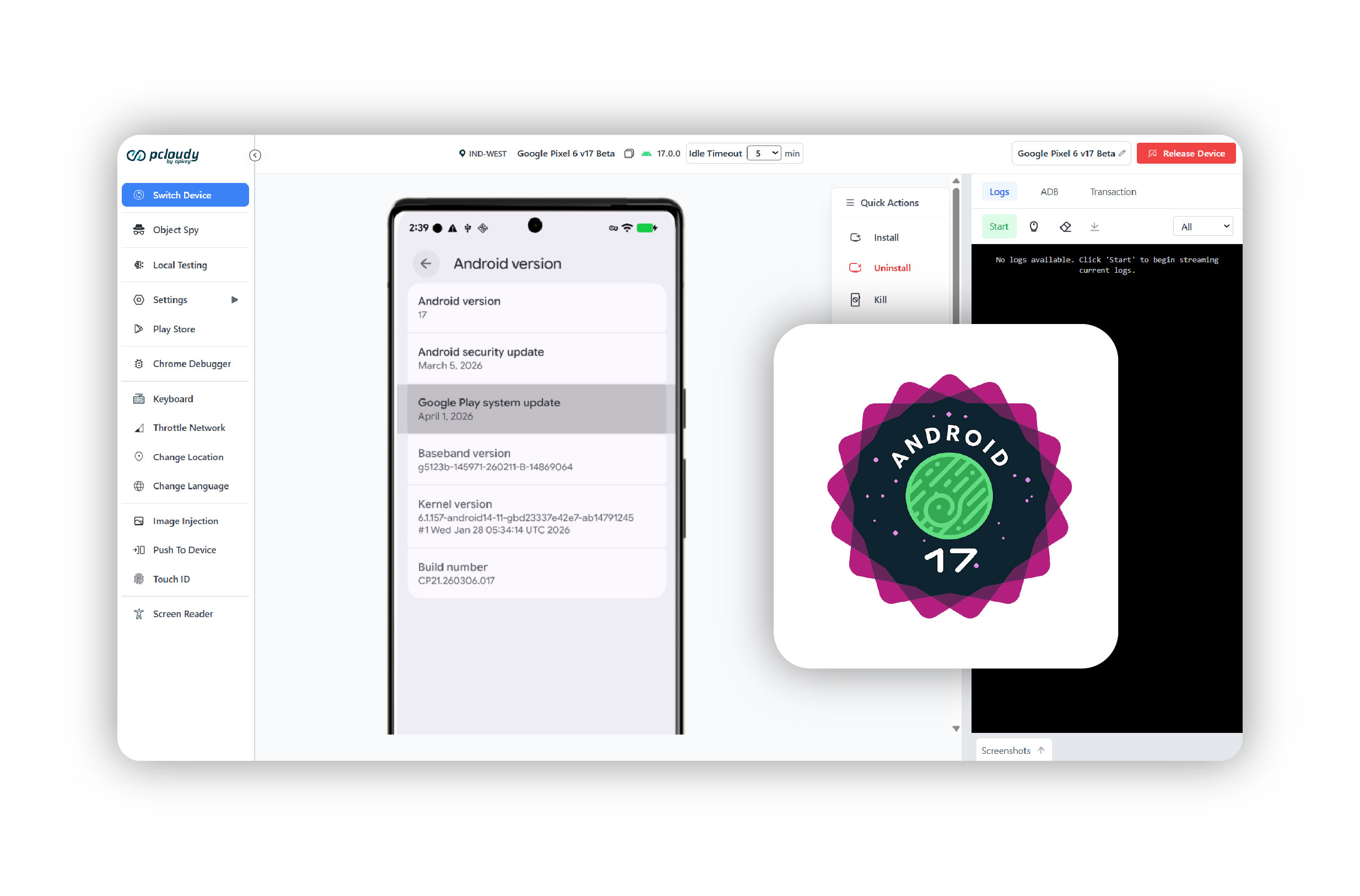
Update 3 — Extended Support for Android 17 Devices
Pcloudy has extended its device coverage to include support for devices running Android 17, enabling teams to test their applications on the latest OS versions without delay. This helps teams identify OS-specific issues early, improve compatibility, and ensure readiness for users adopting the newest Android ecosystem.
Key Highlights
- Access devices running Android 17
- Test app compatibility on the latest OS versions
- Catch OS-specific issues early
- Deliver consistent user experience across new devices
For any further assistance, you can contact our technical support team.
Did this page help you?